

To manage workspace members, visit messenger.cogfy.com/:WORKSPACE/settings/members.
Inviting members
1
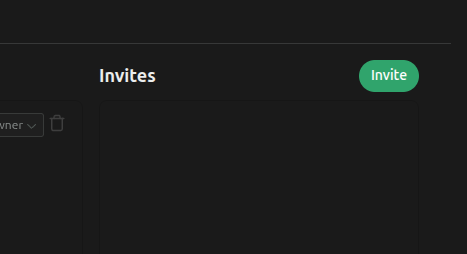
Click on the 'Invite' button
2
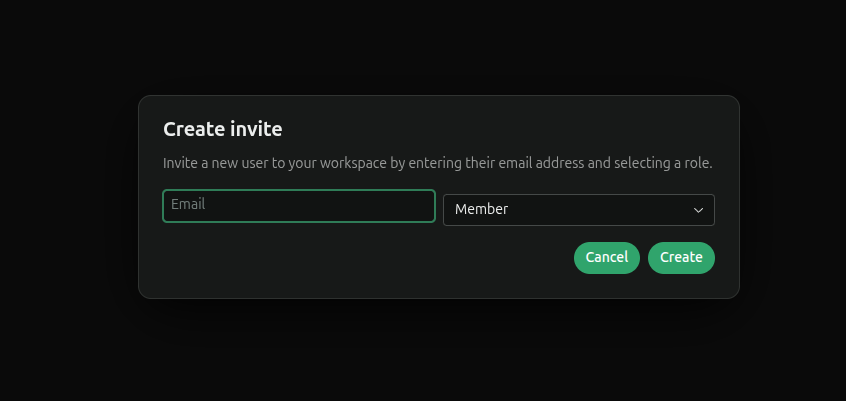
Enter the email address and role of the new member
3
Check your email for the invitation link
Check your email inbox for an invitation email from Cogfy. Click on the provided link to accept the invitation and join the workspace.